Many people use computers every day for school, work, and entertainment. However, spending long hours typing on a keyboard can cause health problems such as repetitive strain injuries (RSI), carpal tunnel syndrome, and poor posture. Engineers have developed ergonomic keyboards and other tools to help reduce these risks and make computer use safer and more comfortable.
One major problem with traditional keyboards is that they can force users to hold their wrists and hands in unnatural positions. Over time, these awkward angles can lead to pain, muscle strain, and injuries. Experts say that poor posture, high-force typing, and bent wrists increase the risk of developing conditions such as tendinitis, carpal tunnel syndrome, and other repetitive strain injuries.
To solve these problems, engineers have designed ergonomic keyboards. Split keyboards, angled keyboards, and vertical mice help users keep their wrists and arms in more natural positions. Some keyboards also include wrist rests and forearm supports to improve comfort. These designs reduce strain on the body and can help prevent long-term injuries caused by extended computer use.
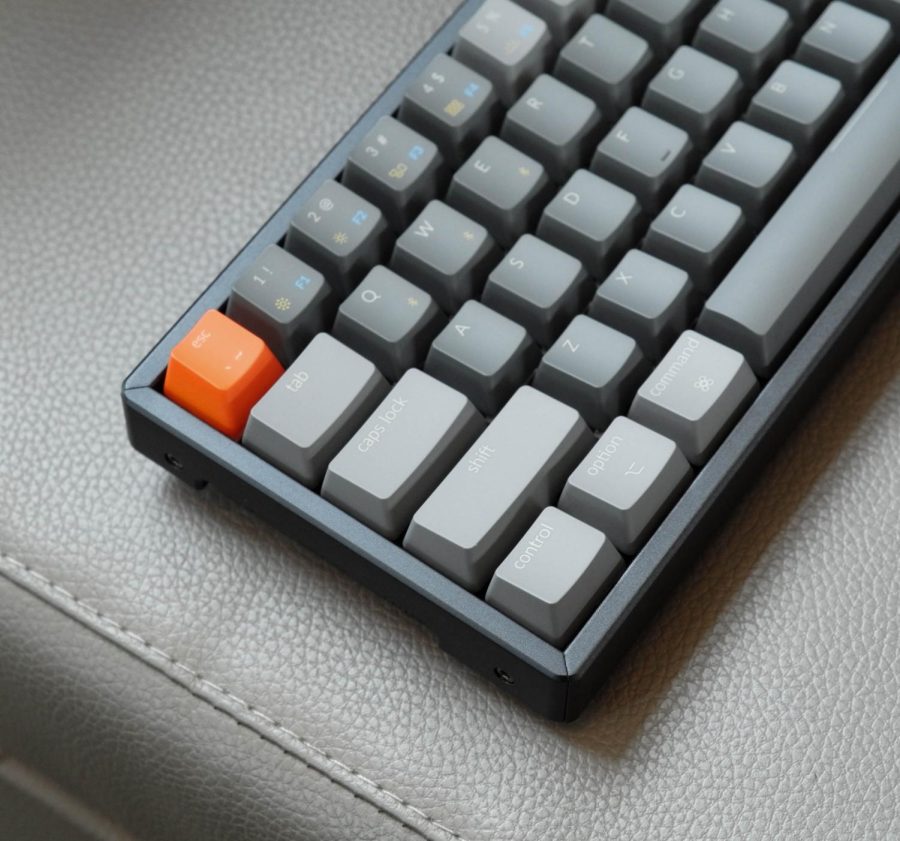
Ergonomic keyboards also have several positive impacts. Many mechanical keyboards are durable and can last for years. They can be customized to fit a user’s needs and often provide a more comfortable typing experience. However, there are some drawbacks. Ergonomic keyboards can be more expensive than traditional keyboards, and some users need time to adjust to the different layout. In addition, relying heavily on typing may reduce opportunities for handwriting practice, which can affect information retention for some learners.
As technology becomes a bigger part of everyday life, it is important to design tools that protect human health. Ergonomic keyboards are an example of how engineering can solve real-world problems by improving comfort and reducing injuries. By continuing to develop safer and more effective computer equipment, engineers can help people work and learn more comfortably while reducing the risk of repetitive strain injuries.
References
- here…https://askergoworks.com/blogs/posts/5-keyboard-risk-factors-and-how-to-prevent-them?srsltid=AfmBOoplo-mhY6niLsT3CnRhp0LmdJjjEtpw1rRS-2opHxt5mteupplJ
- https://docs.google.com/presentation/d/1FJV0GubFZyFBS1auzmlnhqxiJXtBFCoOHP1g1gs9v7s/edit?slide=id.g3a1eb923788_0_137#slide=id.g3a1eb923788_0_137
- https://www.youtube.com/results?search_query=what+solutions+didnt+work+by+using+better+comfort+for+keyboards
- https://kinesis-ergo.com/?s=The+biggest+risks+are+using+the+keyboards+in+different+positions+that+makes+wrist+injuries.
- https://kinesis-ergo.com/?s=Using+split+keyboards+for+better+comfort+putting+the+keyboard+not+to+far+away+or+to+close.